The RØDE Wireless Micro passes too
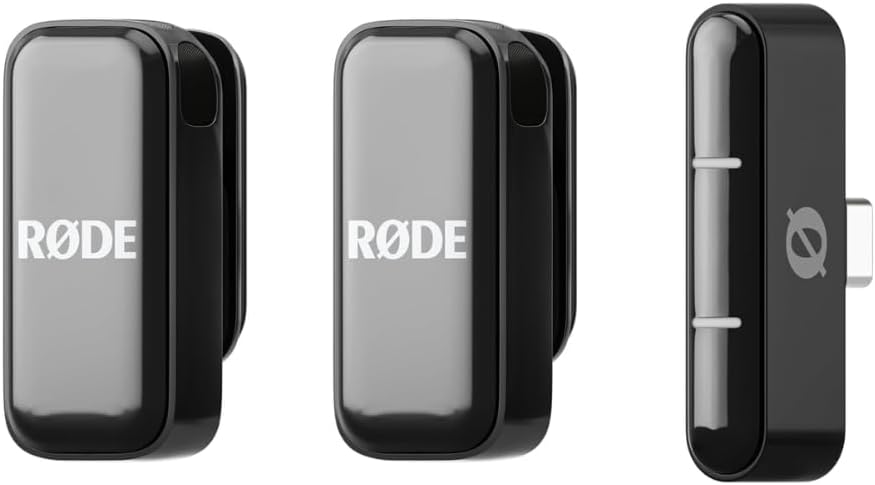
A few hours ago the DJI Mic Mini note said RØDE was on the list to test. The list was short, because a RØDE Wireless Micro happened to be on the table. Plug in, flip one setting, record, combine — pass. It is the second compact wireless mic set OdiMeet certifies.
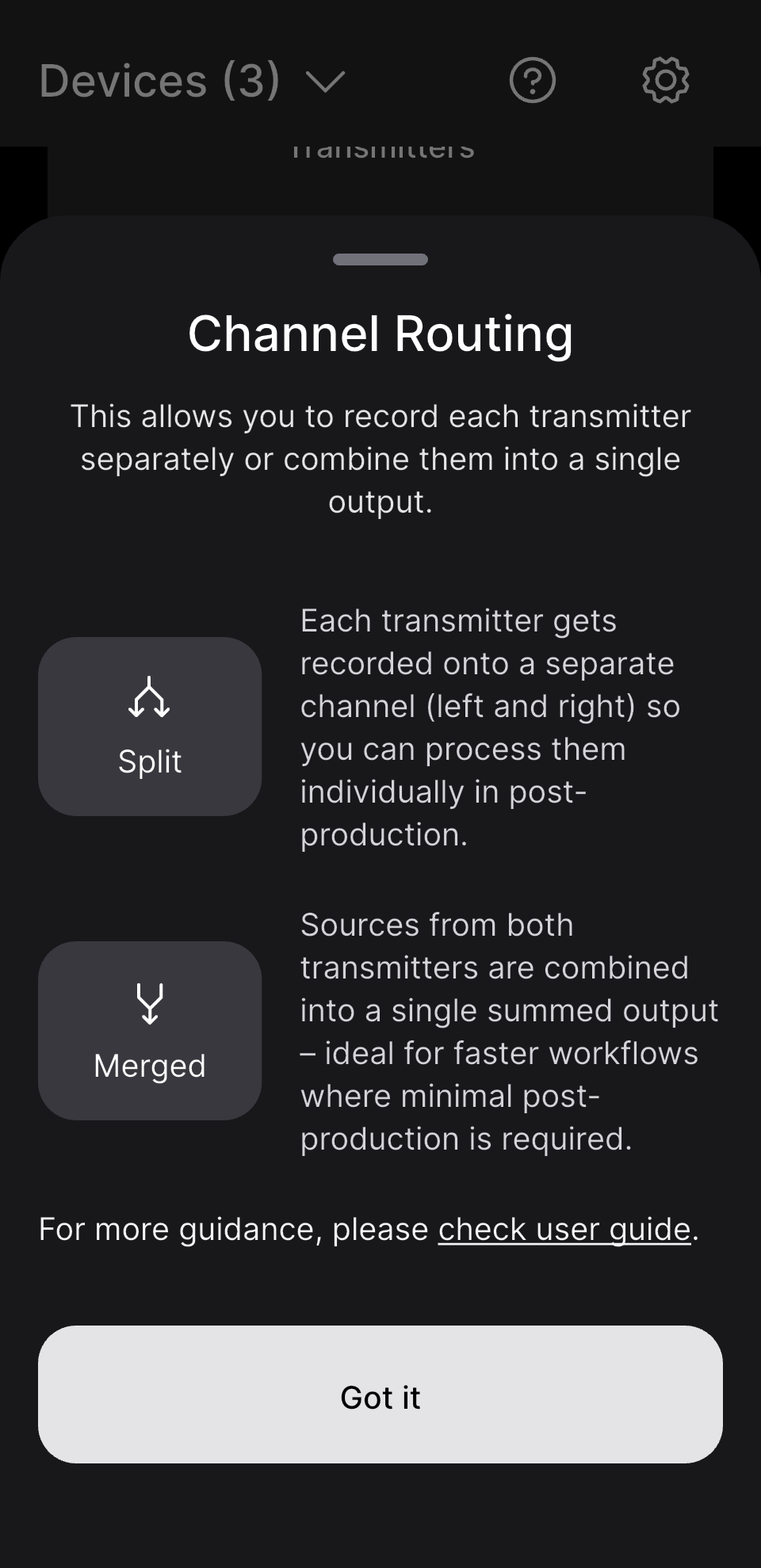
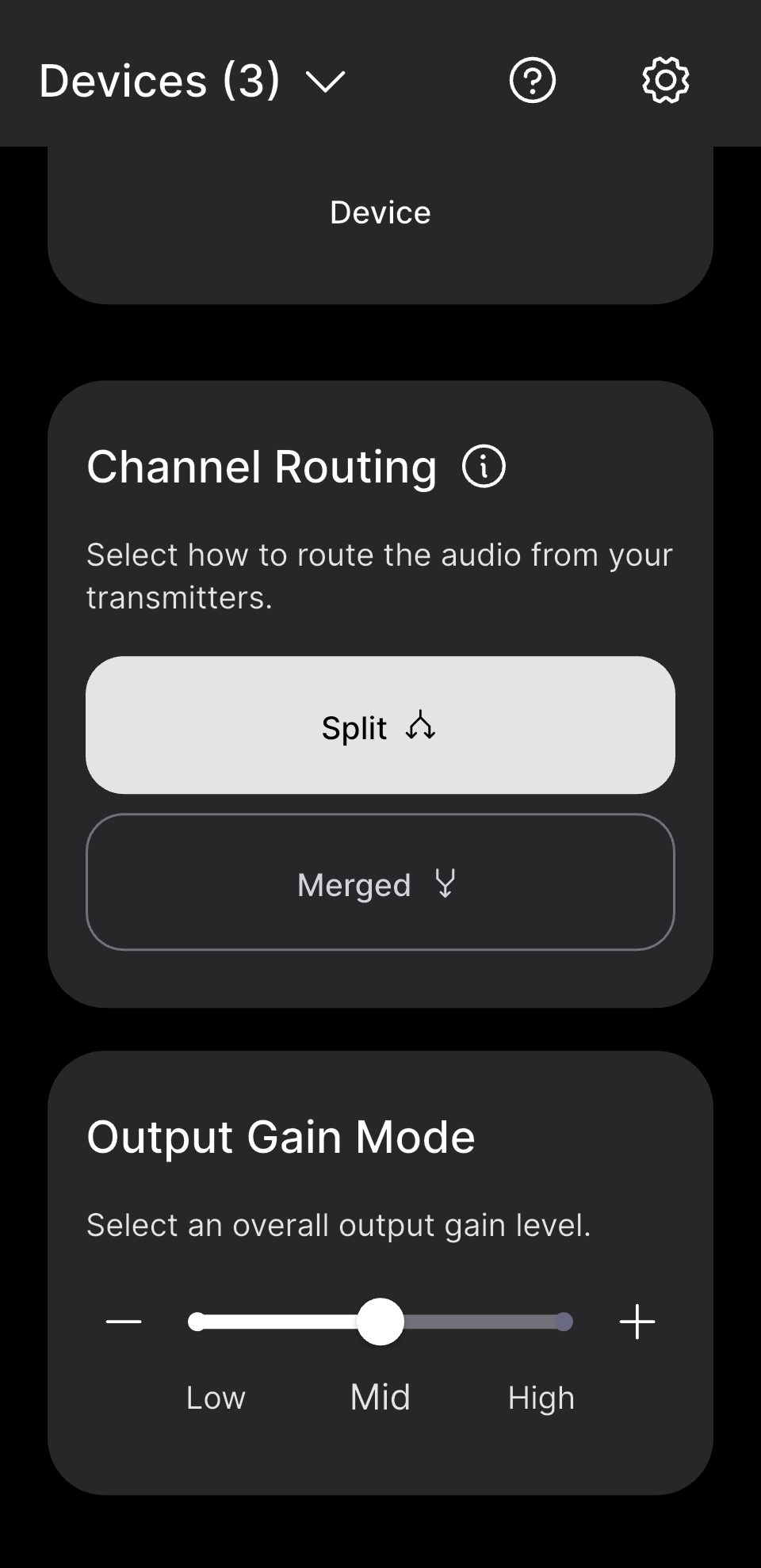
The one thing you have to do: set Channel Routing to Split in RØDE Central
Like the DJI, the receiver can either mix both transmitters into one output (Merged) or give each its own channel (Split). OdiMeet needs Split — TX1 on the left channel, TX2 on the right, one clean track per person. The setting lives in RØDE's own RØDE Central app; OdiMeet cannot change it for you, so it is the only step in the whole flow that needs your hands. Set it, unplug and replug the receiver, and OdiMeet's recording screen shows two channels.
One small note: in OdiMeet's input list this receiver reports itself to iOS as "Wireless Micro", with no RØDE in front — that is the receiver's own USB name, not the app misreading it. "Wireless Micro · USBAudio · 2 ch" is what you want to see.
The result
Record, split, combine — exactly the pipeline the DJI Mic Mini uses: two channels on one clock, so alignment is simply zero; each track transcribed on its own; merged by time; every transcript line carries TX1 / TX2, renamable to real names from the menu. Separation between the lavaliers is in the same league as last night's DJI take — a microphone a few centimetres from a mouth, the other person two metres away. That is set by the hardware, not by an algorithm.
Which one to pick
To OdiMeet they are the same: one transmitter per channel, one mode switch in the maker's app (DJI calls it Stereo, RØDE calls it Split). The difference is form. The Wireless Micro's receiver plugs directly into the phone with no cable and the whole kit is smaller — for people whose phone is the only recording device. The DJI Mic Mini's receiver connects over a USB‑C cable, comes with a charging case, and its transmitters run a little longer. Use whichever you already own.
So
OdiMeet now has two certified compact wireless mic sets: the DJI Mic Mini and the RØDE Wireless Micro. If you have either, or are about to buy one, you can use it with confidence: set Stereo / Split in the maker's app (the only setting you need to touch), plug it into your iPhone, pick the third card in New recording — one track per speaker, and the transcript tells you who said what.
OdiMeet is free for 90 days, then $2.99 a month, $29.99 a year, or $39.99 once. Follow odimeet.app for the App Store link.